How to Prepare for a Successful Design Project in 2026
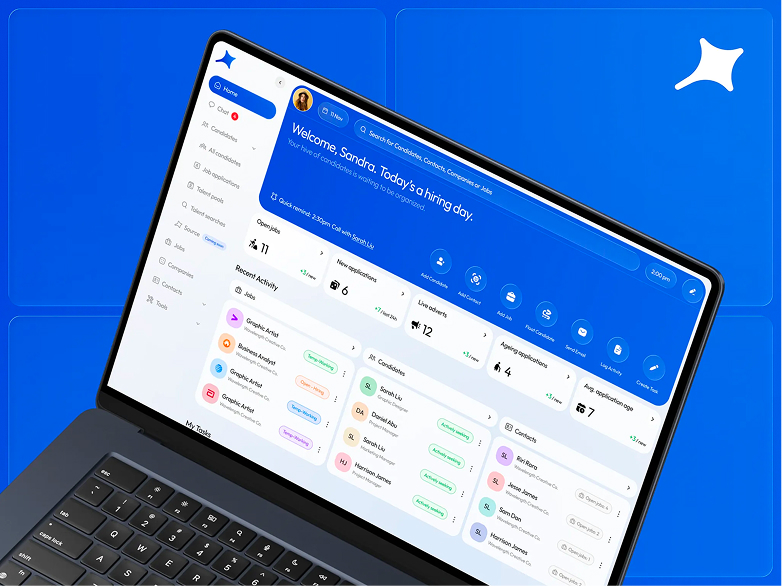
You have an idea. Maybe it’s been in your head for years. Maybe it’s only starting to take shape. Either way, you already know that design plays a key role. It turns your concept into something tangible. It makes the idea clear and becomes the point where users understand the value and decide whether to move forward with you.
In 2026, design shows up in the numbers. It affects acquisition costs, conversion, sales speed, and brand trust. Good design helps people make decisions faster and removes friction in the places that matter most.
Strong design projects don’t happen by accident. They are built on preparation: clear direction, shared context, and a realistic understanding of where you want to end up. This lets designers and developers go beyond making things look good. It gives them the space to develop the idea with you.
Often, the business vision becomes clearer during that collaboration. Missing pieces fall into place. Stronger ideas and more grounded solutions emerge as the work moves forward.
Without that foundation, a project can stall midway. Goals blur, doubts surface, and the number of revisions grows. When preparation is done upfront, the process tends to move faster, with fewer surprises, and leads to results that actually match your expectations.
In this guide, we outline the key steps that help you prepare for a design project in 2026 and set a strong baseline before you start working with designers and developers.

Step 1. Clearly define why you need this project
When the goal is clear, design works as a business tool, not decoration. It keeps the focus on outcomes and connects visual decisions to the reason the project exists in the first place.
A clear goal makes decisions faster and cuts down on unnecessary discussions. The more precisely it’s defined, the easier it is to link design to real business impact: leads, sales, shorter deal cycles, retention, or reduced support load. The team understands where to move, and you understand how to judge whether the result works.
Be honest with yourself and answer:
- Why you’re launching this project now
- What specific business problem it needs to solve
- What should change after launch
- Which metric or business outcome should move
- How you’ll know the result meets your expectations
To get started, a short one page text description of the goal is enough. No marketing language. No presentation polish. This isn’t an investor document or a public statement. It’s a working reference you can return to throughout the project.
If it’s hard to structure your thoughts at this stage, tools like these can help:
Notion AI to organize and clarify your wording
Claude to check the logic and spot contradictions
Perplexity to see how similar goals are framed in other products and projects

Step 2. Define who you’re doing this for
Design works best when it’s grounded in real people and real situations, not abstract personas.
You need to understand why someone comes to you, what they’re trying to accomplish, and what they expect from the interaction. Without this clarity, even a strong product can underperform simply because it’s explained in the wrong way.
This directly affects results. When you speak the user’s language and focus on what actually matters to them, you reduce friction and avoid losing people due to mismatched expectations.
Answer these questions for yourself:
- Who this project is for and what role these people play in your business
- Who makes the decision and who uses the product, if those are different people
- In what context the interaction happens: a work task, an urgent need, or a choice between alternatives
- Where the first contact happens: ads, search, referrals, or sales
- What questions or doubts are likely to appear at the very beginning
- What builds trust early, and what can break it
A solid starting point is a short description of a few typical users, with a focus on their goals, doubts, and expectations. This can be simple text, notes, or rough working drafts. Don’t worry about format at this stage.
For early research, these tools can be useful:
Perplexity to explore behavioral patterns and expectations
Maze to test user hypotheses
Miro AI to map user scenarios and interaction logic

Step 3. Capture the product and business context
The same design choice can work well or fall apart depending on where your product is right now. When context isn’t clearly defined, design and development decisions start to clash.
Very quickly, the work runs into real limits: budget, timelines, team capacity, technical constraints. The clearer these boundaries are upfront, the easier it is to plan scope, cost, and priorities without painful surprises later.
Take the time to answer:
- What stage the project is at right now
- What constraints already exist: technical, legal, operational, or budget related
- What cannot change under any circumstances
- Where flexibility and trade-offs are possible
For designers, a short written overview of the current state of the product and its constraints is extremely helpful. It reduces assumptions and cuts down on back-and-forth once the work starts.
At this stage, it can help to use:
Notion AI to assemble everything into one working document
Claude to check consistency and remove contradictions
Perplexity for quick clarification of terms, approaches, or industry specifics
Step 4. Look at competitors and close alternatives
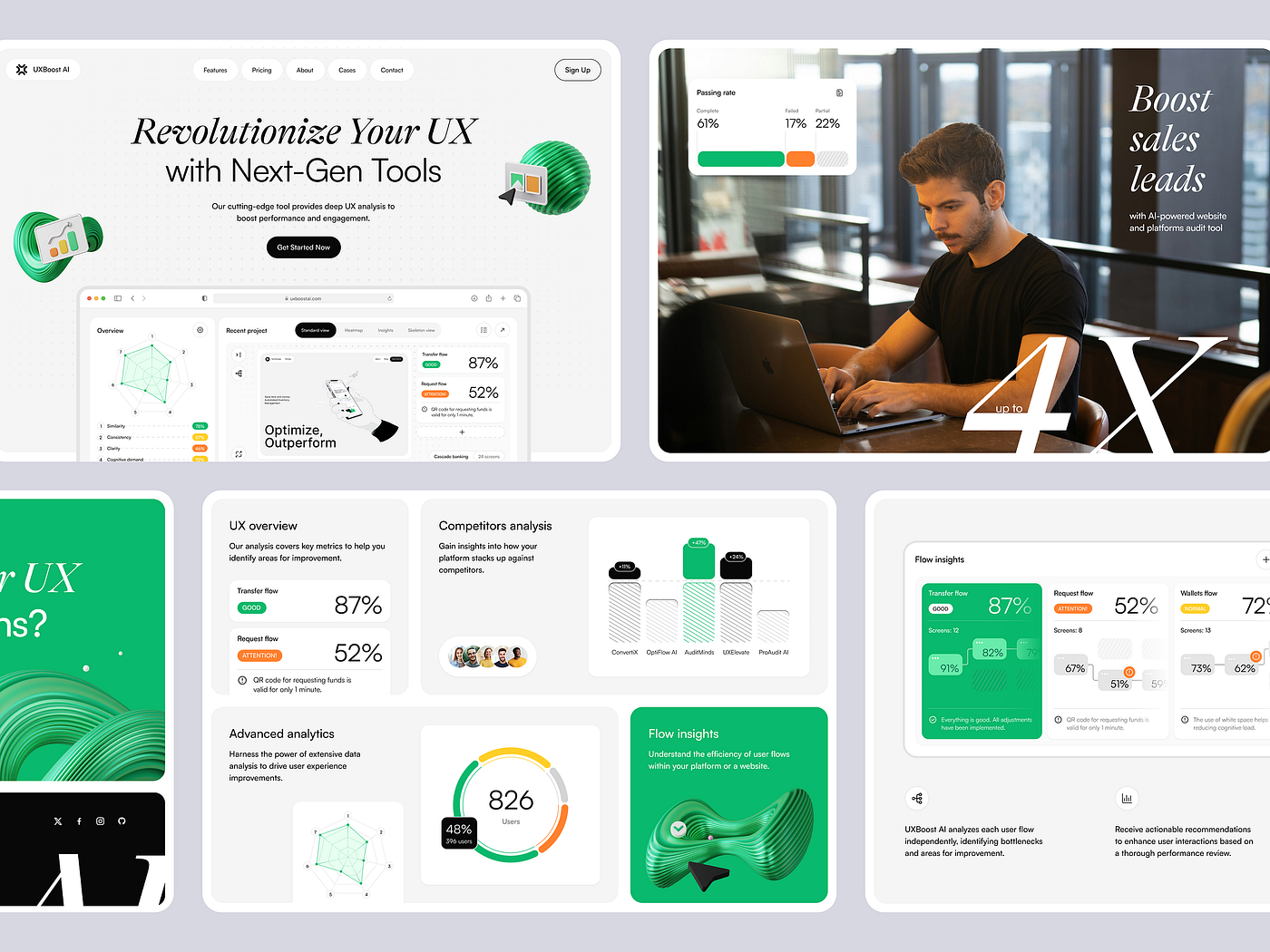
No design project exists in isolation. Your users already have experience with competitors and alternatives, and that experience shapes how they will read and judge your product.
Competitor analysis isn’t about copying. It’s about understanding the rules of the market you’re entering. It helps you see which approaches have become familiar, where the space is crowded with the same visual and messaging patterns, and where there may still be room to stand out.
This step also clarifies what actually differentiates you. When that’s clear, people stop comparing you on price alone and start choosing based on value.
Here, it’s important to look at the landscape realistically, without assumptions. This is the background against which your product will be compared.
Answer these questions:
- Who your direct and indirect competitors are
- What design and communication approaches they use
- What feels convincing and works in their approach
- Where things start to feel generic, overloaded, or untrustworthy
For designers, a short list of competitors and comparable products is usually enough. Add brief comments, not in terms of “like or dislike,” but what looks strong, weak, or questionable from a business and perception standpoint.
For this stage, these tools can help:
Perplexity to identify competitors and adjacent products
VisualEyes to see how design distributes attention
Galileo AI to analyze interface patterns and recurring solutions

Step 5. Think through content and messaging early
Content almost always becomes the bottleneck.
When the messaging structure is clear early on, design moves faster and needs fewer iterations. When it isn’t, even good design can’t compensate.
From a business point of view, this comes down to conversion. If people don’t quickly understand why they should choose you, they leave for someone who explains it more clearly.
Answer these questions:
- What questions the user needs answered
- What information is critical for decision making
- What three main objections you hear most often in sales or from users
- What materials already exist, even as rough drafts or legacy content
- Who owns the final copy and data
Designers don’t need finished text at this stage. A rough content outline or a list of key user questions is often enough to start building a strong structure.
At this stage, these tools are helpful:
Notion AI to organize structure and priorities
Claude to check logic and flow
Jasper for early text drafts
Step 6. Define your expectations from design
Expectations are always there, even if they’re never written down. When they stay implicit, the risk of frustration at the end of the project goes up.
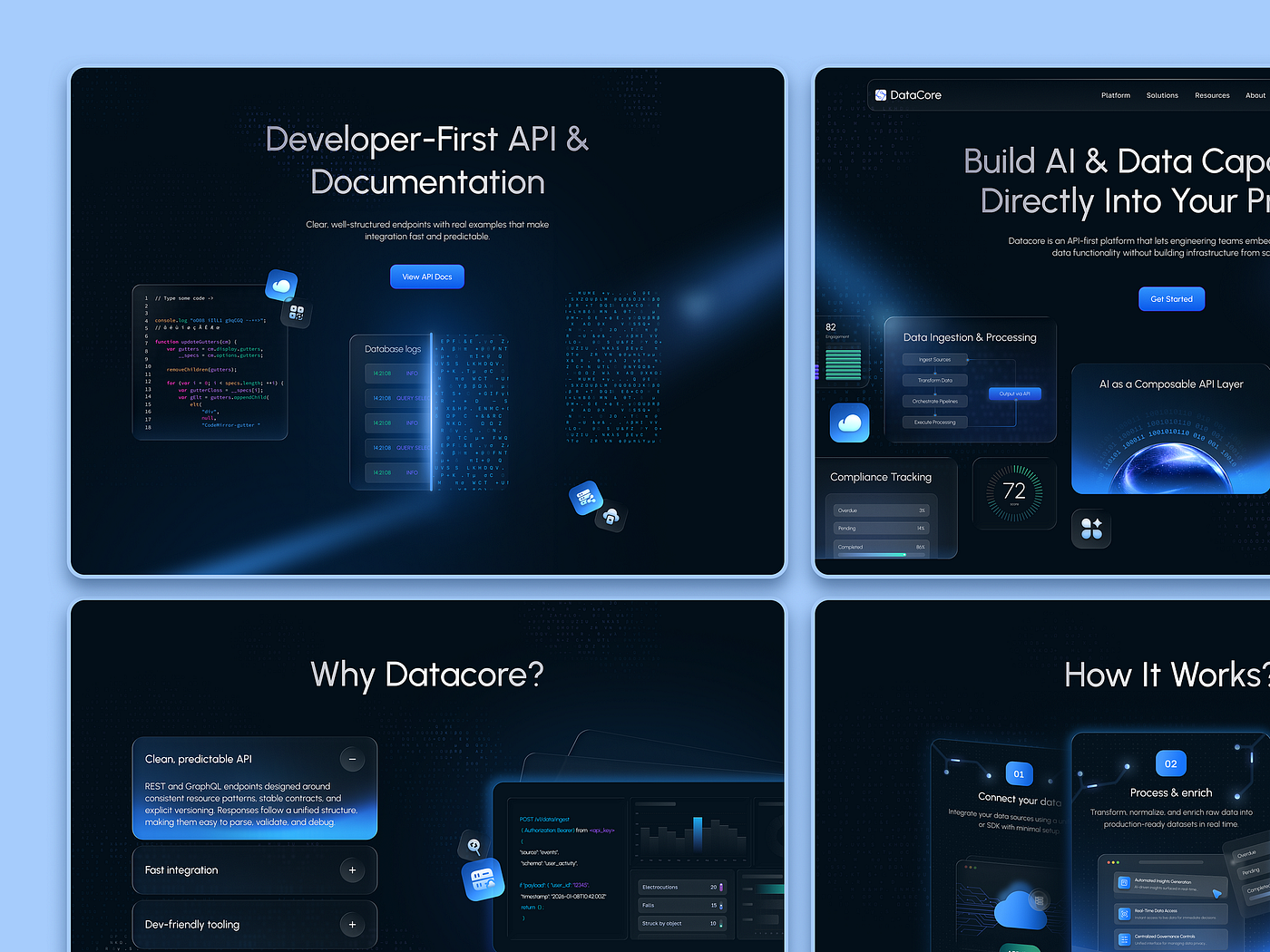
Design can support very different strategies: premium positioning, mass market reach, enterprise trust, or speed of decision making. Each of these requires different visual and structural choices.
Take time to define:
- What role design should play in the project
- Which associations feel unacceptable for your brand
- How much experimentation is appropriate
- What matters most in perception: clarity, emotion, trust, or status
- Who you’re most often compared with, and whether you want to reinforce or change that comparison
Examples help more than abstract descriptions. A short set of references showing what you like and don’t like, with brief notes on why, is usually enough.
For this stage, you can use:
Midjourney to explore visual directions
VisualEyes to assess emotional response
Miro AI to collect and organize visual logic

Step 7. Prepare for the process, not just the outcome
Design isn’t a straight line to a final screen. It’s a process of discussion, iteration, and collaboration. The earlier you accept that, the smoother the work tends to be.
From a business perspective, this directly affects time and budget. Clear roles and decision paths reduce approval loops and help the project start delivering value sooner.
Answer these questions:
- Who makes the final decisions
- How and when feedback is given
- Which changes are considered critical
- How open you are to iterations
- Who gives final approval and how much time is realistically reserved for it
For the team, a short written description of how decisions are made and how feedback works is usually enough to avoid confusion.
At this stage, it can help to use:
Notion AI
Miro AI
Claude to check the logic of the decision making process

Step 8. Plan for growth after launch
A project benefits when you treat launch as a starting point, not a finish line.
Only once real users are interacting with the product does it become clear what works and what needs improvement. This is where design decisions can be validated with data instead of assumptions.
Some of the most valuable gains come from small, focused changes after launch: adjustments that noticeably improve conversion, retention, or overall usability.
Think through:
- What can realistically be improved after launch
- Which ideas make sense to postpone
- Which signals and metrics matter most
- Which two or three metrics you’ll track in the first weeks
Designers benefit from knowing that the project will evolve and which directions of change are expected or acceptable.
At this stage, these tools are useful:
Hotjar to analyze user behavior
Maze to test hypotheses
Perplexity to explore post launch optimization practices
If you want to start with a logo
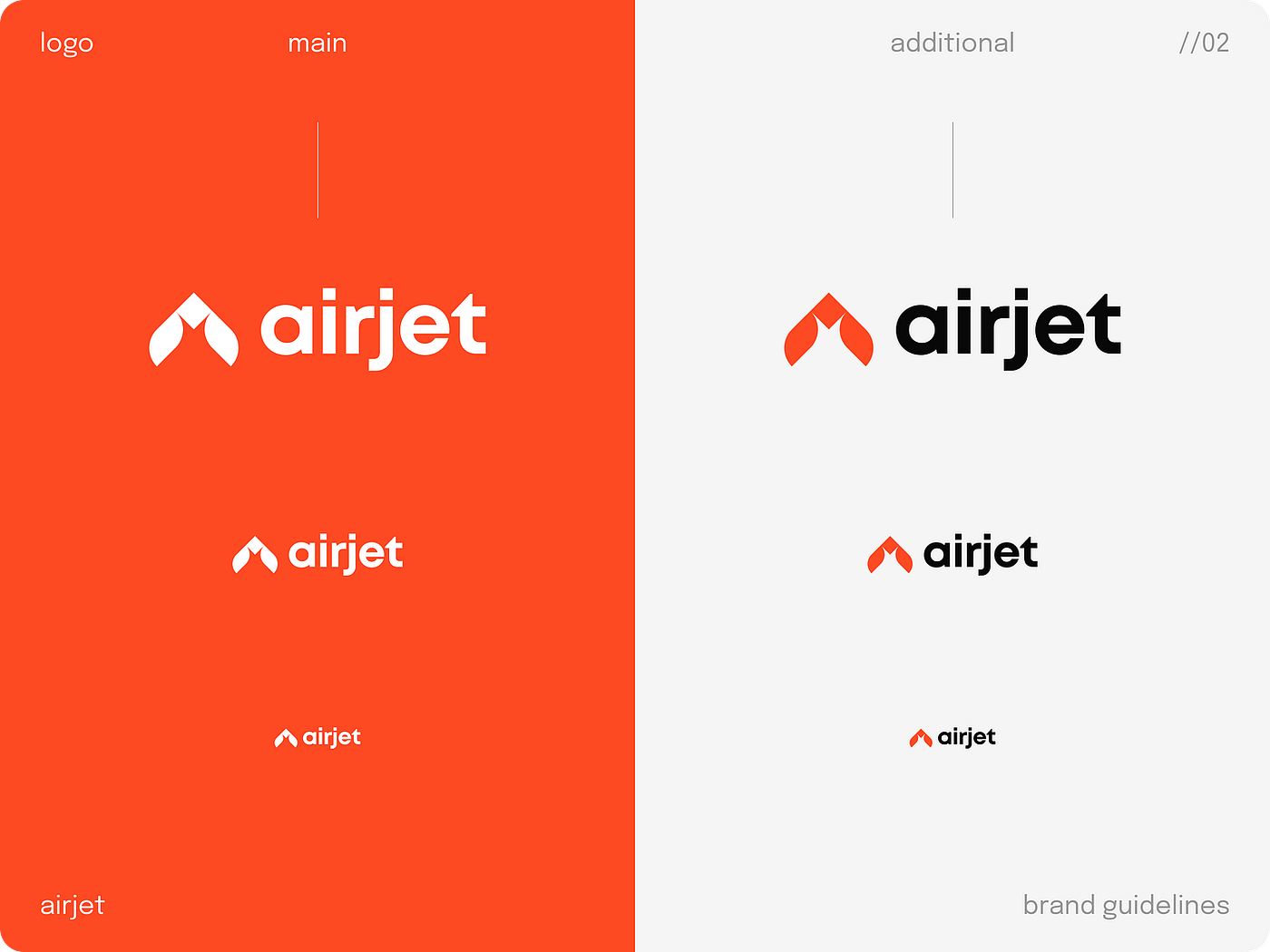
A logo rarely exists on its own, even when the task seems small or narrowly defined. In practice, it often becomes the first visual expression of the idea. It’s the sign through which people start to recognize, remember, and interpret your project.
In sales and partnerships, a logo works as a fast signal of seriousness. It helps you look credible in situations where you only have a few seconds to make an impression.

Preparing for a logo almost never comes down to form or style alone. It comes down to meaning. When that meaning isn’t clarified upfront, designers are forced to work blindly. They may propose options that look clean and professional but miss the core of what you’re trying to express. As a result, the process drags on, and discussions shift toward personal taste instead of clear reasoning.
A well prepared logo grows out of a clear core. It tends to be simpler, more precise, and more durable over time, because it’s based on an understanding of who you want to be in the eyes of others.
Questions to answer upfront
Before starting, it helps to define for yourself:
- What the logo should represent
- Which associations it should evoke first
- In which contexts it will be seen most often
- Which meanings are essential and which are secondary
- Which visual clichés or directions clearly don’t fit
These answers don’t have to be perfect or final. What matters is that they exist and are discussed.
What to prepare for designers
For logo work, short written inputs are especially valuable. This can include a brief description of the project idea, a few key words or concepts, associative chains, and examples of symbols or marks that resonate with you or, on the contrary, feel wrong. This can live in a simple document or a set of notes. The format matters less than the clarity of the content.
If you want to explore associations and visual language a bit deeper at the preparation stage, tools like these can help:
Perplexity for quick semantic research and meaning connections
Midjourney to explore visual directions and moods
Miro AI to collect the conceptual and visual field in one place
If you want to go deeper into the topic, we’ve covered how to prepare for logo creation in detail, including which questions to ask upfront and which materials genuinely help designers in practice: What Information to Prepare for an Effective Logo
If you want to develop a brand identity
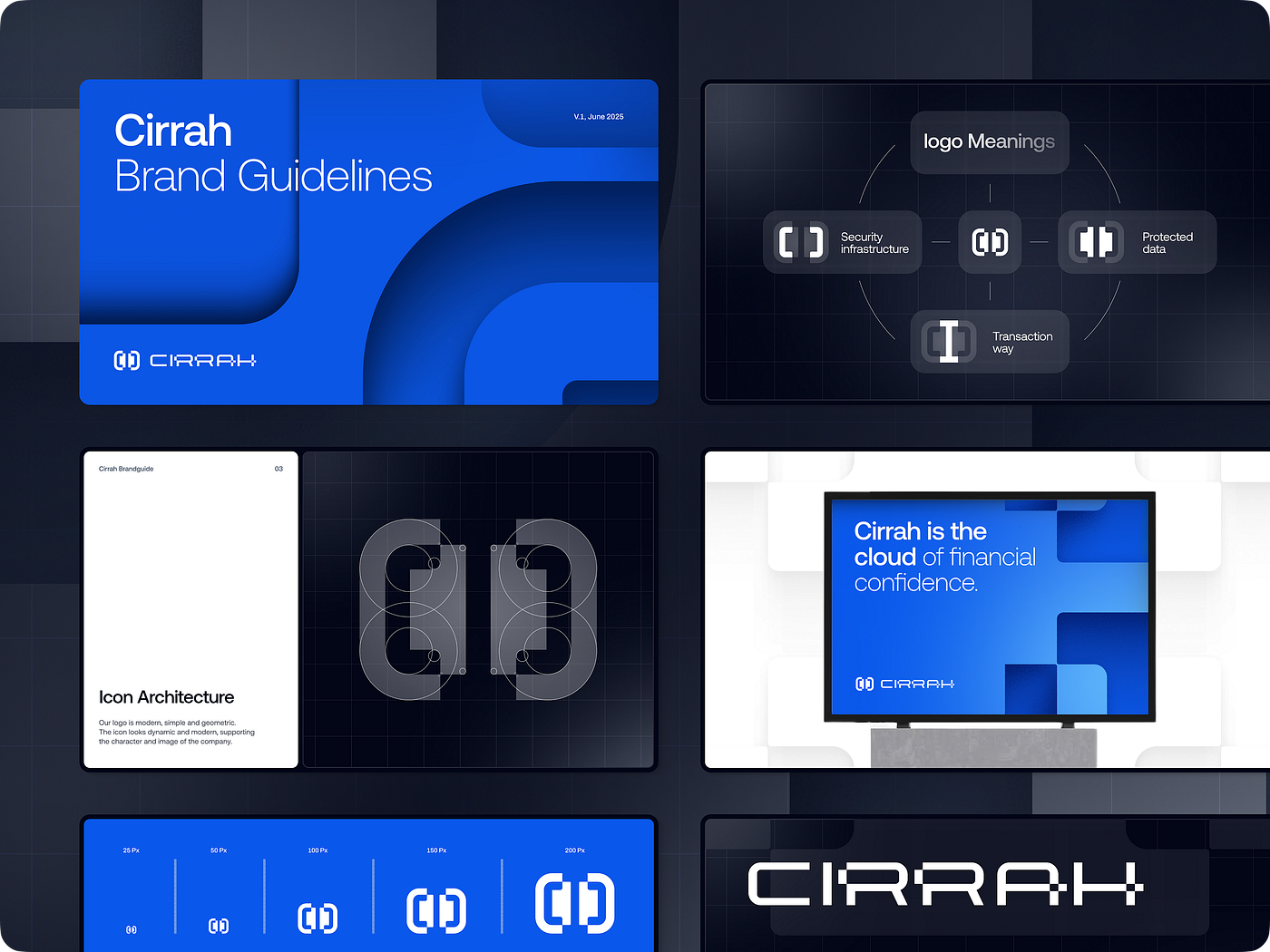
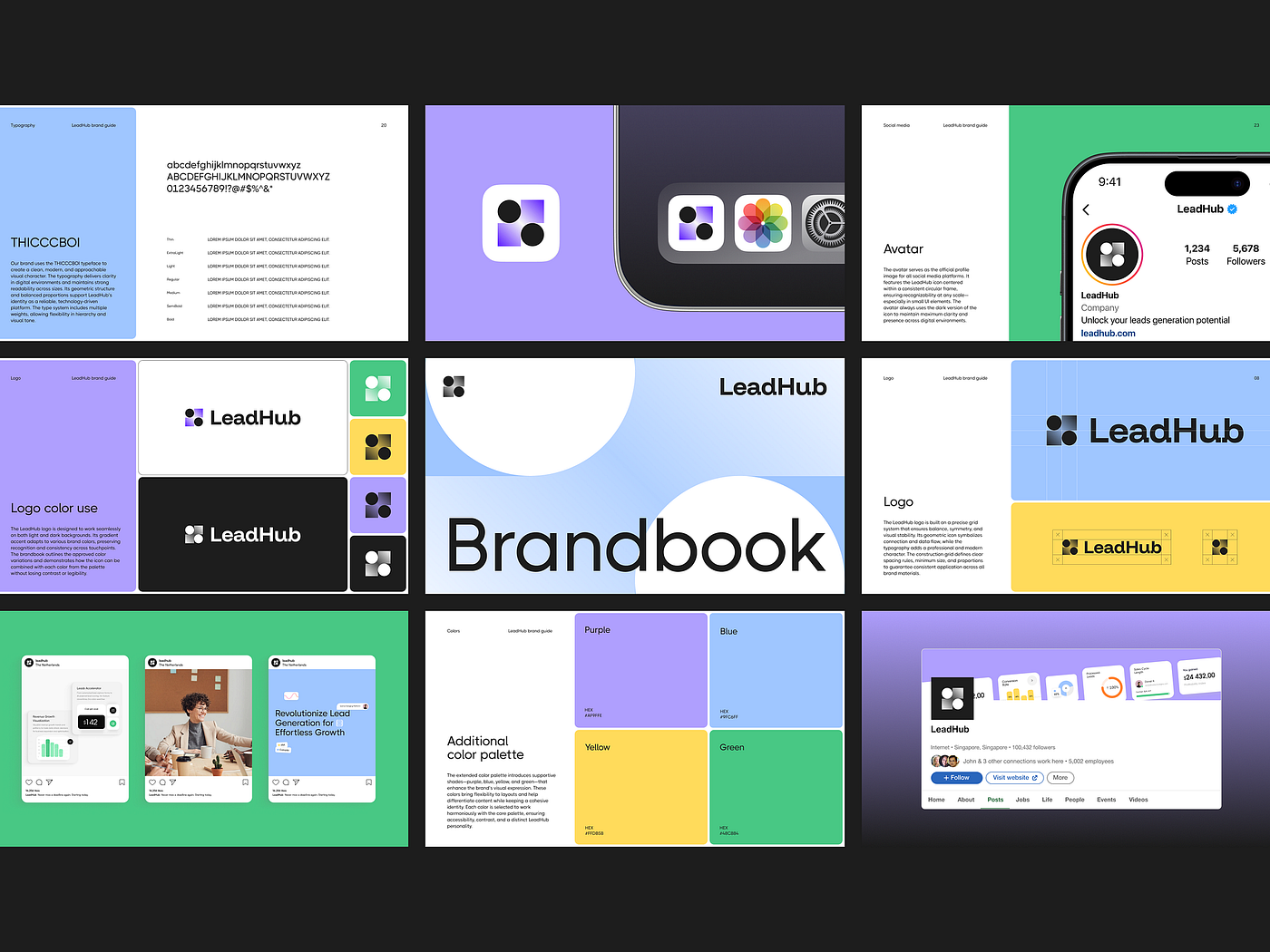
A brand identity is more than a single mark or visual element. It’s a system that needs to work across different contexts, formats, and scales, often over many years. That’s why preparation here goes beyond personal taste or isolated visual preferences.
When identity is designed without a clear understanding of where and how it will be used, it tends to break quickly. Something may work well on the website but fall apart in presentations. Something may look strong in static layouts but lose impact in motion. Over time, the system becomes fragile and requires constant manual fixes.
A well prepared identity, on the other hand, is built around an idea and a logic of use. It’s designed to adapt, scale, and evolve. Instead of being a collection of eye catching visuals, it functions as a flexible system that supports growth, consistency, and long term efficiency.
Questions to answer upfront
Before starting, take time to make clear:
- What role the brand should play in people’s lives
- Which qualities and character traits it should consistently communicate
- In which environments and formats the identity will be used
- How important flexibility and adaptation are across different scenarios
- Which visual decisions are fundamentally unacceptable
These questions help move from scattered expectations to a more cohesive brand direction.
What to prepare for designers
For identity projects, materials that explain logic are just as important as those that show visuals. Designers benefit from a short description of the brand idea and character, examples of how it should sound and look in different situations, and a clear list of touchpoints where the identity will be used now and in the future. This can be a text document, a presentation, or working notes. What matters is the completeness of the picture, not the format.
At the preparation stage, it’s useful to rely on:
Perplexity to study how brands with similar challenges build their systems
Miro AI to map meaning and visual connections
VisualEyes to evaluate attention and emotional response
If you want to explore this topic further, we’ve written in detail about preparing for brand identity design, with a focus on systems, scalability, and long term design logic. Ready to build a strong brand?

If you need a landing page
A landing page is the most focused format you can work with. It’s built around one specific business task. This becomes especially clear in paid channels: a landing page either turns traffic into leads or burns budget.
Preparation for a landing page is extremely sensitive to clarity. When the goal isn’t fully defined, design quickly turns into a set of visually appealing blocks with no clear internal logic. The page may look convincing, but still fail to guide the user toward the action you need.
A well prepared landing page is built around a single scenario. It leads a person step by step from the first screen to a key decision, removing anything that gets in the way. That’s why, at the preparation stage, precision and hierarchy matter more than volume.
Questions to answer upfront
Before starting, clearly define:
- What specific business task the landing page must solve
- Which action is the primary one for you
- Who the page is for
- What expectation a person arrives with
- Which arguments truly matter and which can be removed
The clearer the answers, the easier it is for designers to build a structure that actually converts.
What to prepare for designers
For landing pages, clear inputs matter most. Designers benefit from a short description of the page goal, a clear definition of the target action, a list of key arguments and objections, and any materials you already use in sales or communication. This can be text, slides, or working notes. The goal is logic, not polished copy.
At the preparation stage, it’s useful to use:
Perplexity to see how similar landing pages structure their arguments
Miro AII to map the page scenario and content hierarchy
VisualEyes to evaluate how attention is distributed across the page
If you want to go deeper, we’ve prepared a separate guide on how to get ready for a landing page: What Needs to Be Defined Before Designing a Landing Page

If you want to build a website
A website is a working business tool. It helps you define your position, build trust, and guide people toward the actions you need. That’s why preparation usually starts not with visual style, but with clarity around the business goals the site must support.
A strong website does part of the work before a call or email happens. It explains, addresses common doubts, and prepares a person for a conversation.
When these goals aren’t defined upfront, a website often turns into a collection of pages created “just in case.” It may look clean and professional, but still fail to support concrete outcomes like leads, inquiries, product understanding, or reputation.
A well prepared website works as a system. It sets priorities, removes distractions, and creates a clear path from the first interaction to key touchpoints. With clear logic in place early, design reinforces the business instead of competing with it.
Questions to answer upfront
Before starting, clarify:
- What business tasks the website must solve
- What role it plays in your overall communication system
- Which actions matter most to you
- What information needs to come first
- Which sections or messages you can intentionally leave out
- These answers help frame the website as a tool, not a showcase.
What to prepare for designers
For websites, structure and content are critical. Designers benefit from a rough site map, a list of priority pages, a clear understanding of key messages, and any materials you already have: text drafts, presentations, product descriptions, or service explanations. Even if they’re unfinished, they help define scope and logic.
At the preparation stage, it’s useful to rely on:
Perplexity to see how similar websites structure their messaging
Miro AI to visualize structure and user flows
Maze to test assumptions before design begins
If you’d like to go deeper, we’ve outlined the inputs needed to create an effective corporate website here: What Information Is Critical for a High-Conversion Corporate Website

If you want to build an app
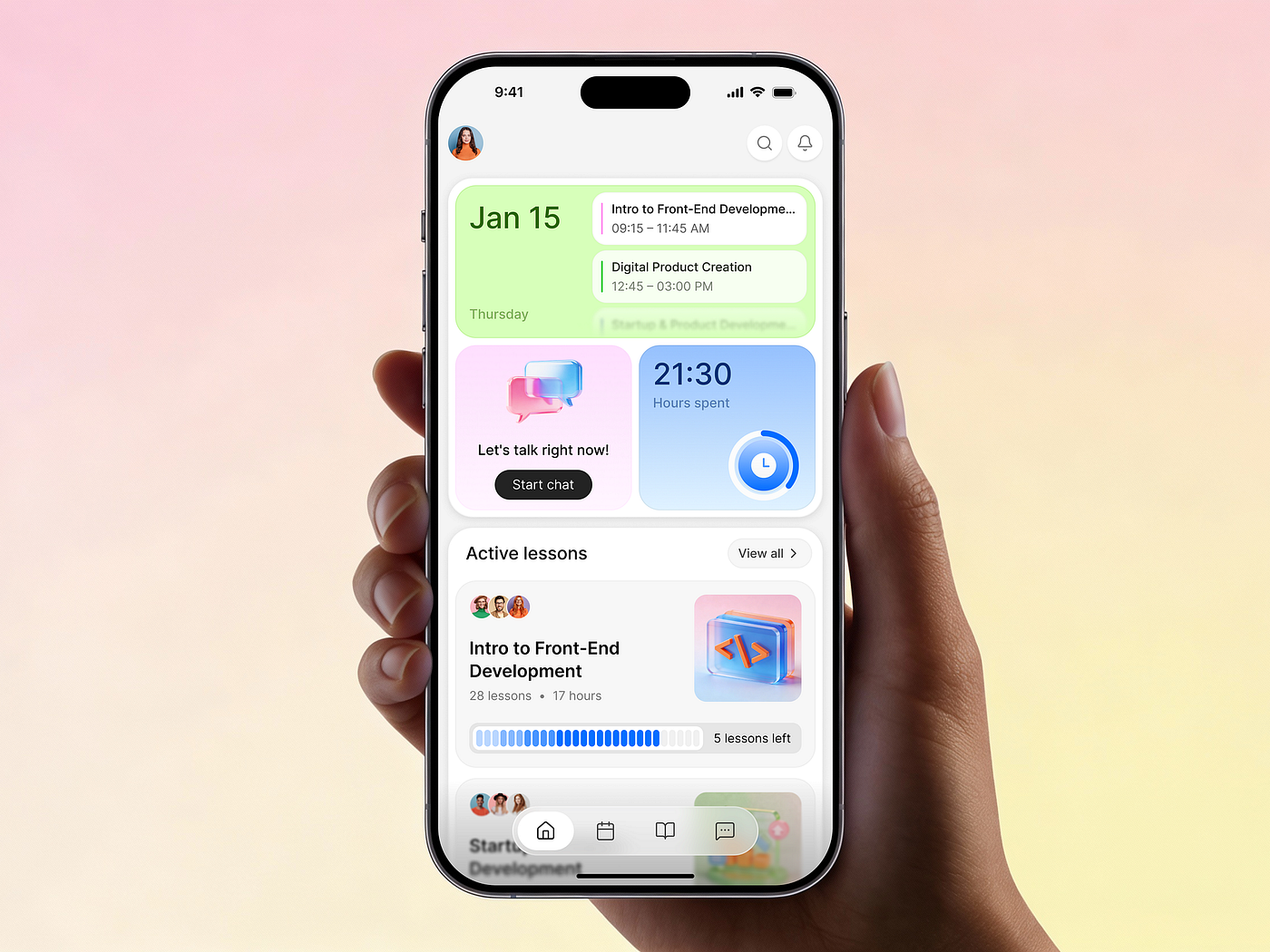
An app is a working tool that needs to be used regularly and deliver measurable value. That’s why preparation here matters even more. Early mistakes tend to turn into expensive rework later.
From a business perspective, the key outcome is return and consistency. An app succeeds when it improves retention and lifetime value, not when it simply looks modern.
In apps, design is tightly linked to behavior. If usage scenarios aren’t defined upfront, interfaces grow complicated, features start duplicating, and users get lost. The product may still look polished, but fail to do its real job.
A well prepared app is built around a small set of core scenarios. It helps people quickly understand what they can do, how they get value, and why they should come back. When these scenarios are defined before design begins, the interface becomes clearer and the product is easier to evolve over time.
Questions to answer upfront
Before starting, make clear:
- What business task the app must solve
- Which actions users perform regularly
- Which scenarios are core and which are secondary
- What should happen in the first minutes of use
- Which features are critical now and which can wait
These answers help keep the focus on the product’s core instead of spreading effort across too many directions.
What to prepare for designers
For apps, logic and scenarios matter most. Designers benefit from descriptions of user actions, step sequences, rough flows, and any constraints tied to technology or business processes. This can be text, diagrams, or working notes. What matters is that they reflect real usage.
At the preparation stage, it’s useful to rely on:
Miro AI to map user scenarios and flows
Maze to test assumptions and scenarios early
Perplexity to explore how similar apps approach comparable tasks
Instead of a conclusion
Preparation sets the tone for everything that follows. It turns an idea into a clear starting point and creates a shared space where designers and developers can work with context instead of assumptions.
When goals are defined, constraints are clear, and expectations are explicit, design becomes a collaborative process. Decisions happen faster. Discussions stay grounded. Creative ideas emerge as a natural extension of the strategy, not as random sparks.
The strongest projects usually happen when strategy, creativity, and attention to detail support each other. Preparation gives that process stability without killing flexibility. It reduces unnecessary uncertainty while leaving room to explore.
By approaching this stage thoughtfully, you give your idea the best chance to take shape and create conditions where design supports real business growth. That’s when a project starts delivering the outcome it was meant to deliver.